> For the complete documentation index, see [llms.txt](https://support.paycargo.com/llms.txt). Markdown versions of documentation pages are available by appending `.md` to page URLs; this page is available as [Markdown](https://support.paycargo.com/integrations-and-customizations/hapag-lloyd/claim-your-invoice.md).
# Claim your invoice
### Overview
**Hapag Lloyd Claim Your Invoice** makes it easy to access, review, and pay your Hapag-Lloyd invoices instantly through
PayCargo.
No more manual processing or payment errors—just a secure and seamless way to manage your
payments. With greater visibility and accuracy, you can ensure smooth transactions and keep your shipments moving without hassle.
### How it Works
1. **Log in:** Sign in to your PayCargo account and select **Make a Payment**.
2. **Select vendor:** Search for and choose **Hapag-Lloyd** as the vendor.
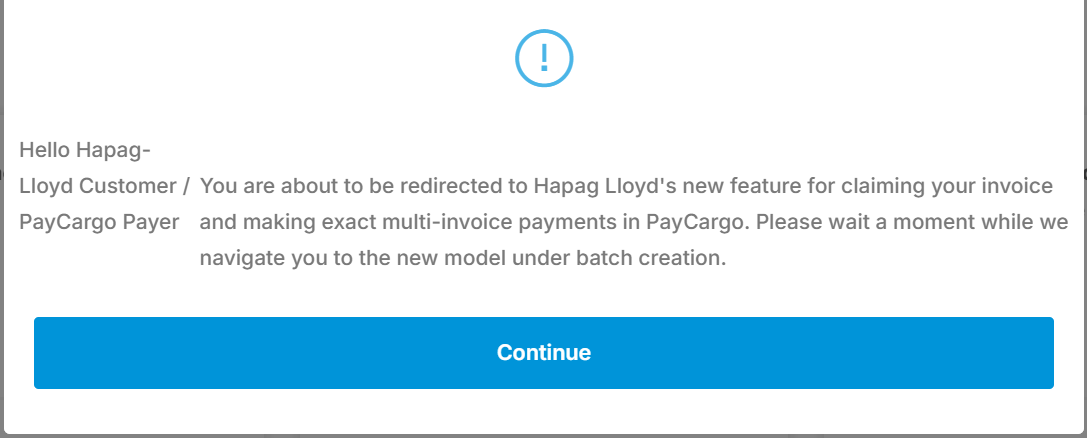
3. **Access invoice claim:** Continue when prompted to be redirected to the invoice-claiming feature.
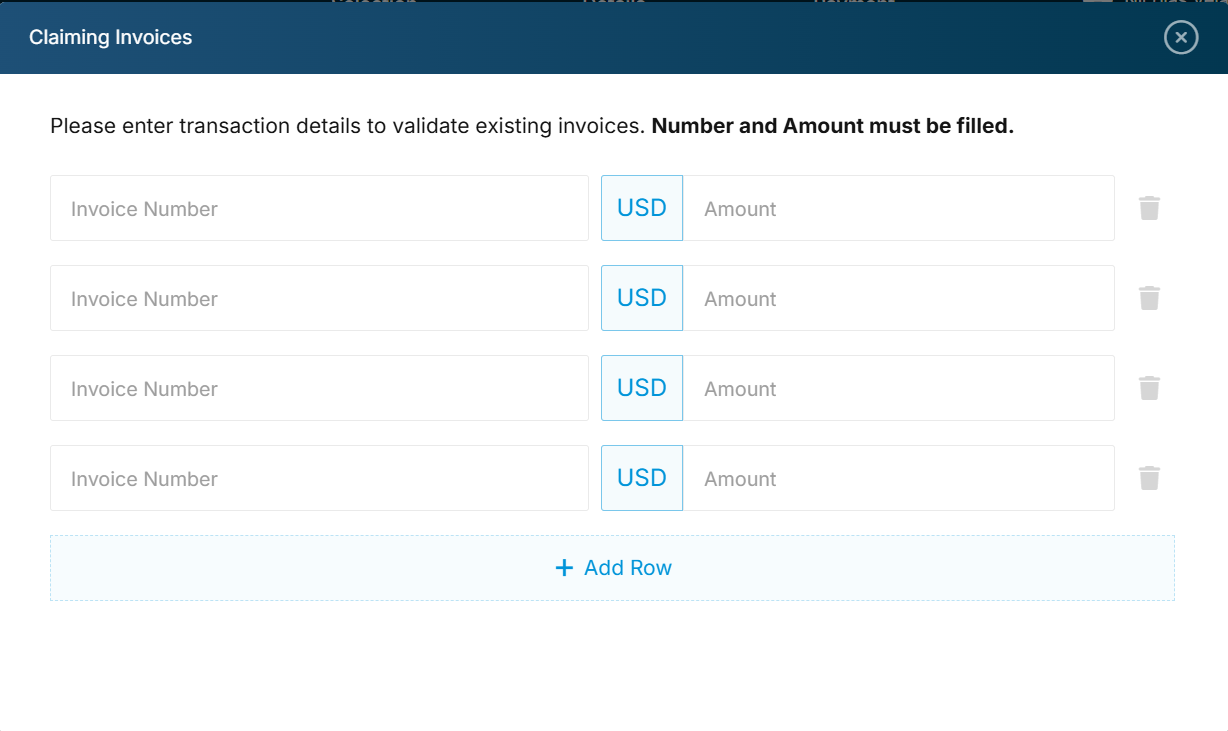
4. **Enter invoice details:** Select **Invoice** as the transaction type, then enter the invoice number and total amount exactly as shown on the invoice.
5. **Validate invoice:** Click **Find Invoices** (or press Enter). The system checks Hapag-Lloyd’s records to confirm the invoice details.
6. **Claim and pay:** Once validated, review the details and select **Claim** to add the invoice to your account and proceed with payment.
{% @arcade/embed flowId="XsA7qx1fqztCtUuKBYFD" url="" %}
### Key Benefits
:check: **Real-time invoice validation:** Reduces errors by confirming invoice numbers and amounts before payment.
:check: **Faster processing:** Eliminates manual steps and accelerates payment submission.
:check: **Improved visibility:** View and confirm invoice details before committing funds.
:check: **Secure transactions:** Payments are handled through PayCargo’s trusted network.
### Related Questions
Do I need a PayCargo account to use this feature?
Yes. This feature is only available to those with a PayCargo account. You may register for an account [here](https://go.paycargo.com/register).
If you do not wish to register for a PayCargo account to make this payment, please reach out to the vendor for an alternative payment method.
I searched for my invoice on PayCargo, and it is showing 'No Records'. How can I make this payment?
Double-check that the invoice number or BOL entered amount (down to the cent) matches exactly what's listed on your Hapag Lloyd invoice.
**Hapag-Lloyd America Invoices**: Upon receiving your invoice, please allow up to 1 hour for the invoice to be uploaded to PayCargo in order to be claimed.
If it has not been uploaded in this time frame, please reach out to our support team at or give us a call at (888) 250-7778 for immediate assistance with one of our representatives.
**Hapag-Lloyd Canada Invoices**: Upon receiving your invoice, please allow up to the following day for the invoice to be uploaded to PayCargo in order to be claimed.
If it has not been uploaded in this time frame, please reach out to our support team at or give us a call at (888) 250-7778 for immediate assistance with one of our representatives.
Why can't I modify the invoice payment amount?
With the new integration, only the total amount due on the invoice can be paid. This ensures that payments are settled in full, allowing for faster freight releases.
---
# Agent Instructions
This documentation is published with GitBook. GitBook is the documentation platform designed so that both humans and AI agents can read, navigate, and reason over technical content effectively. Learn more at gitbook.com.
## Querying This Documentation
If you need additional information that is not directly available in this page, you can query the documentation dynamically by asking a question.
Perform an HTTP GET request on the current page URL with the `ask` query parameter, and the optional `goal` query parameter:
```
GET https://support.paycargo.com/integrations-and-customizations/hapag-lloyd/claim-your-invoice.md?ask=&goal=
```
`ask` is the immediate question: it should be specific, self-contained, and written in natural language.
`goal` is optional and describes the broader end goal you are ultimately trying to accomplish on behalf of the user. GitBook uses it to tailor the answer towards what is most useful for that goal.
The response will contain a direct answer to the question and relevant excerpts and sources from the documentation.
Use this mechanism when the answer is not explicitly present in the current page, you need clarification or additional context, or you want to retrieve related documentation sections.